
For iPhone and iPad
Turn any image into a vector
Vectorize Image converts photos, logos and drawings to SVG on iPhone and iPad. The app also traces silhouettes and removes backgrounds.
Scan with your iPhone or iPad camera to open the App Store.
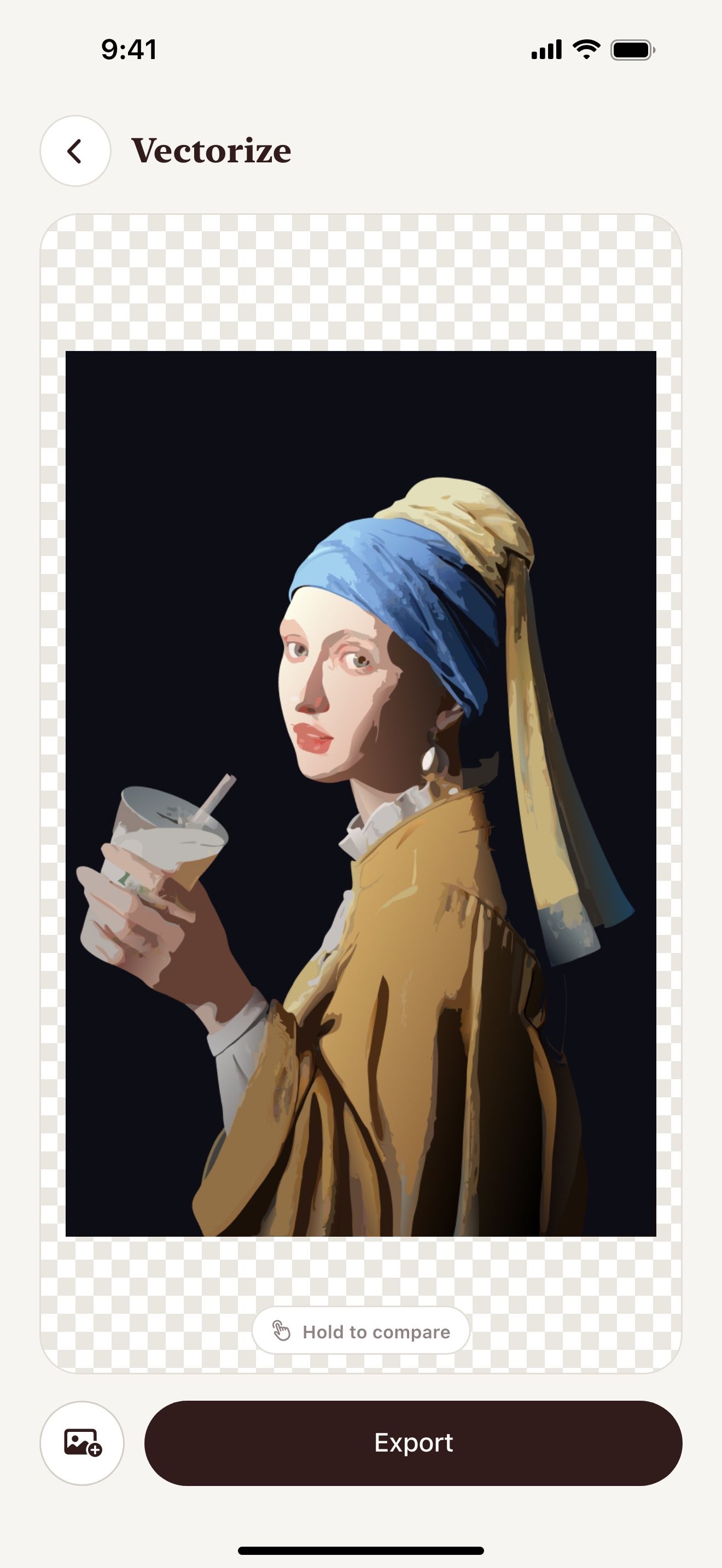

Three tools in one app
Each tool solves one task. The result of one tool moves to the next tool in one tap.



See the difference
On the left, a pixelated image. On the right, the SVG from Image to vector.
Drag the slider to compare.

How it works
- 1
Pick an image
Choose a photo from your library or take a new one.
- 2
Choose a tool
Tap Image to vector, Trace or Remove background.
- 3
Export the result
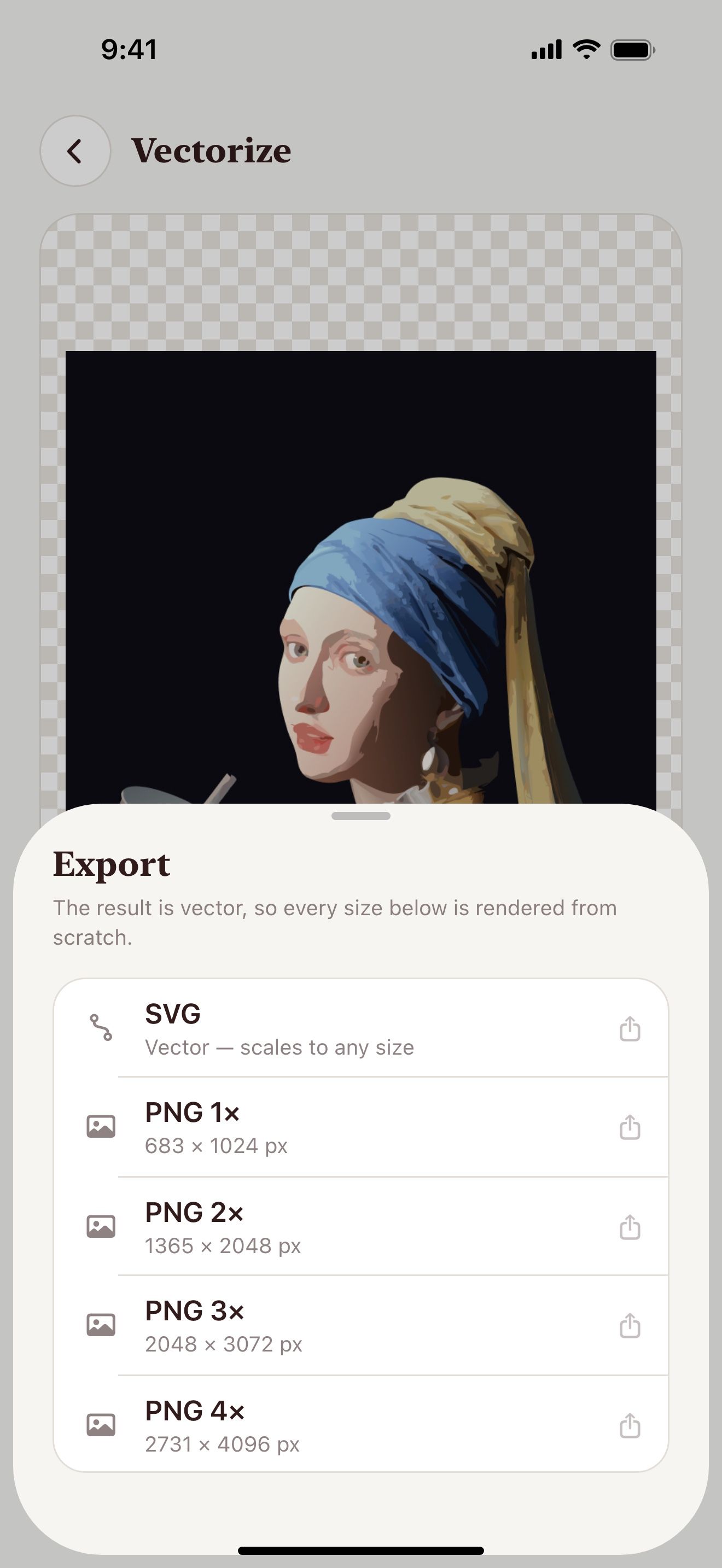
Save SVG to Files. Save PNG to Photos or share it.
Export SVG or PNG
SVG
A vector file for Cricut Design Space, Silhouette Studio, Illustrator and Figma.
PNG up to 4096 px
The app renders PNG from the vector. A 4× PNG stays sharp.
All PNG sizes
One tap saves 1×, 2×, 3× and 4× as separate files.
Drag and drop
Touch and hold the result. Then drop it into another app. This works best on iPad.
Made for makers
People use files from Vectorize Image in these projects.
Popular conversions
Each page shows the steps for one format.
Your images stay private
- Trace works on your device. It needs no internet connection.
- Image to vector and Remove background send the image to our server for processing.
- Our server does not save your images.
- The app needs no account. You do not sign up.
Step-by-step guides
- How to make a stencil from a photoA good stencil has bold shapes in one color. This guide shows how to get them from any photo on iPhone or iPad.
- How to make an SVG for Cricut on iPhone and iPadYou can make a Cricut cut file from a photo without a computer. This guide takes about five minutes.
- How to vectorize a logo on iPhone and iPadA blurry logo looks bad on print. This guide shows how to get a sharp SVG from any logo image.
Questions and answers
Is Vectorize Image free?
The app is free to download. You get 3 free tries for Image to vector and Remove background. Trace is free with no limit. A weekly or yearly subscription unlocks the AI tools.
Which devices does the app support?
The app works on iPhone and iPad with iOS 17.6 or later.
Can I use the SVG with Cricut?
Yes. Save the SVG to Files. Then upload it in Cricut Design Space. Trace gives the cleanest one-color cut file.
Which image formats can I open?
The app opens any image from your Photos library. That includes HEIC, JPEG and PNG. You can also take a photo with the camera.
Does the app work offline?
Trace works offline. Image to vector and Remove background need an internet connection.
Is there a Mac or web version?
No. Vectorize Image works only on iPhone and iPad.

For iPhone and iPad
Get Vectorize Image for iPhone and iPad
Scan with your iPhone or iPad camera to open the App Store.